One file.
Any look.
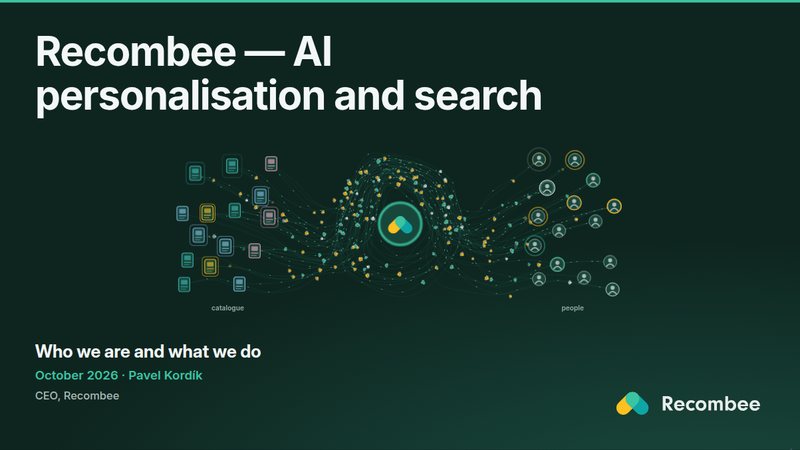
Every talk below is the same single HTML file with a different deck in it: it presents, prints the speaker notes and exports a PDF, with nothing to install. The look is a theme, a stylesheet the deck carries inside it, so a company profile, a PechaKucha, a lecture and a product introduction can share one editor.
Open the editor Add your themeTalks
Click a picture to present it (arrows or a click move on, N shows the notes).
Open one to see how it is made, or to make your own copy.
theme · FIT ČVUT
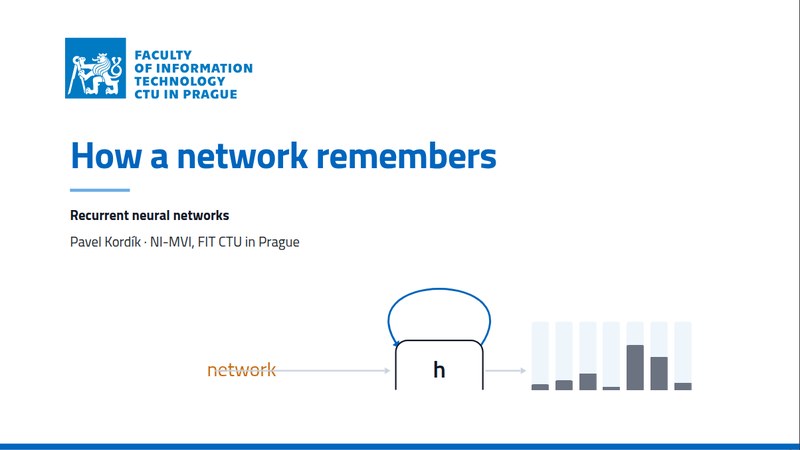
How a network remembers
A lecture on recurrent neural networks for NI-MVI at FIT CTU, in the university's identity: the loop, the unrolled network, backpropagation through time, the vanishing gradient, LSTM and what came after. Each figure shows its mechanism step by step.
theme · Tiny
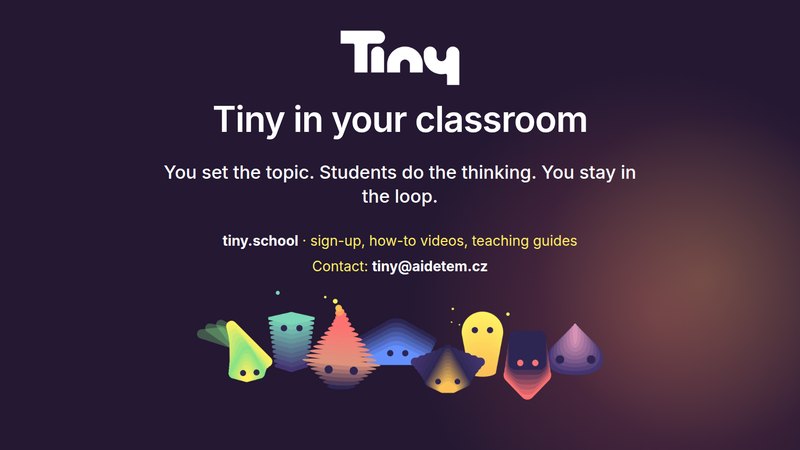
Tiny at a glance
A 15-minute introduction to Tiny, AI dětem's chatbots for school lessons, for partners and conferences: screenshots of the app with numbered callouts, the eleven Tinybots by Bloom's taxonomy, the research timeline, and a speaker note on every slide that starts with the time it should be reached at.

Themes
Each theme has a sample deck: the same five slides in its look. In the editor a theme is one choice under ⋯ → Deck settings → Style → Theme, and your deck keeps it inside, so it still opens offline.
Loading the themes…
Add your theme
A theme is a folder with a stylesheet, a few lines of JSON and its fonts. Bring your university's, your company's or your own look:
- Fork kordikp/slaidy and make
themes/<name>/withtheme.css,theme.jsonand the fonts with their licence. python3 scripts/themes.pybuilds it with the sample deck;python3 scripts/theme_preview.py <name>makes the picture for this page.- Run
tests/all.shand open a pull request. Once it is merged, it is here and in every editor's theme list.